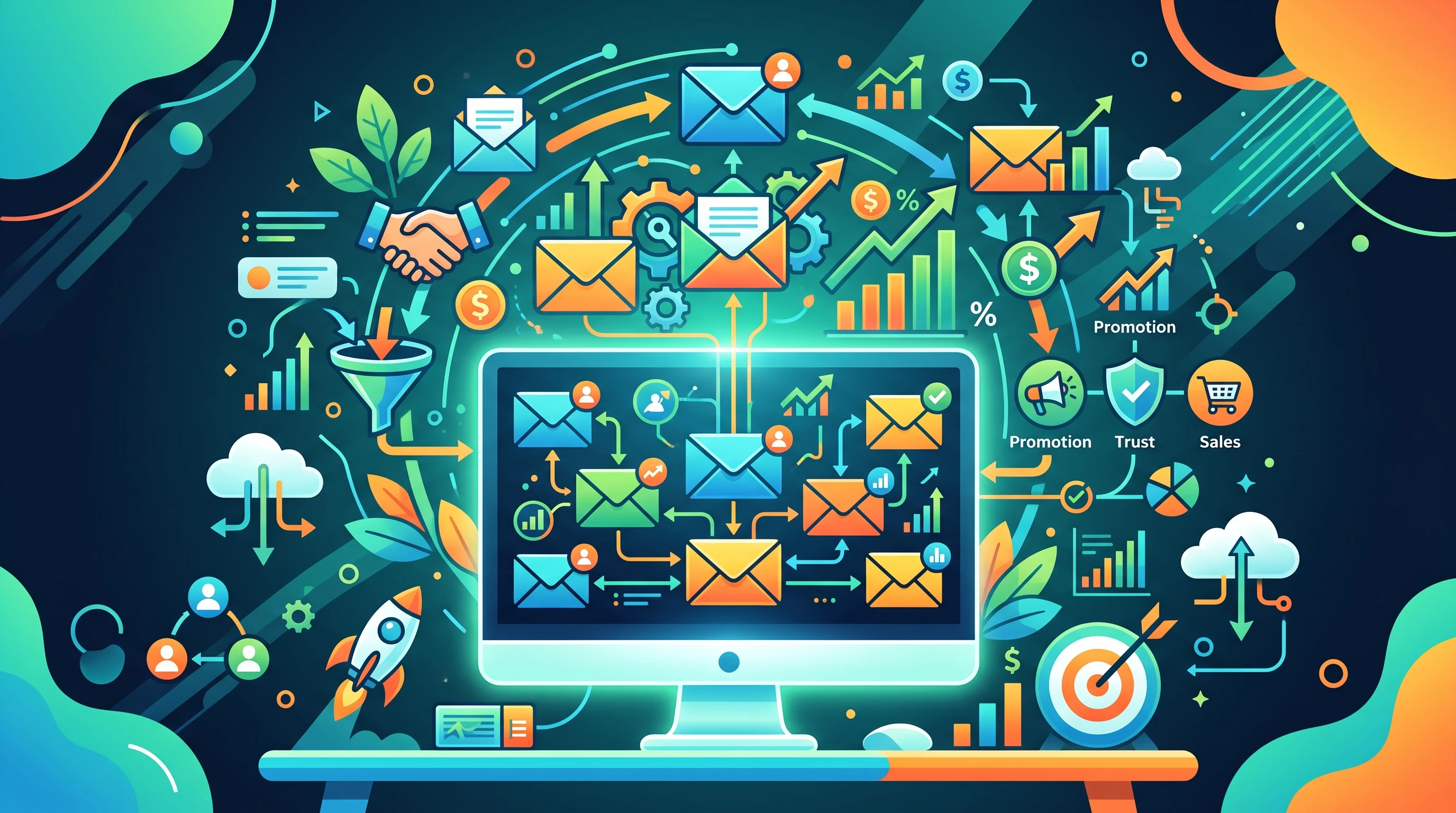
Email list building is one of many things in affiliate marketing that makes a very huge impact on your results. Having an engaged email list means you’re not just relying on search, social platforms, or paid traffic to get your offers in front of people interested in what you’re promoting. The freedom it gives you is pretty valuable, especially considering how quickly algorithms and platforms can change. Here’s a look at why email list building is such a big deal for affiliate marketers and how you can start making it part of your daily strategy.
Why Every Affiliate Marketer Needs an Email List
Email is real old school, but that’s what makes it very reliable. When you collect emails, you’re building a direct connection with people who’ve shown they care about what you have to say or offer. You don’t have to worry about social media reach dropping or ad costs going through the roof. Even big brands keep their newsletter lists going for this exact reason.
The best part is? You own your email list. If you spend time and money getting traffic to your site, there’s a good chance only a fraction of those visitors will ever come back on their own. But if you grab their email, you can keep reaching out to them and give them more value, plus show them new affiliate products that actually fit what they’re looking for.
Email marketing also handles a lot of the trust building work. When subscribers see your name pop up regularly, you’re not just a random person sending links. Quick tips, mini guides, stories, or solutions your sharing can help build real loyalty and boost the odds they’ll check out what you’re recommending.
How Email List Building Works for Affiliate Marketing
Email list building is about collecting contacts, usually through a signup form on your site, which then lets you stay in touch and send helpful info (plus the occasional affiliate offer). It’s not about spamming people, but about delivering something they genuinely find interesting or useful.
- Lead Magnets: Giving away free tools, cheat sheets, or mini courses helps convince people to sign up. Make it relevant to the affiliate offers you usually talk about so you attract the right folks.
- Optin Forms: These are the boxes or popups you see on blogs or landing pages. Keeping them simple and focused on a single benefit gets more signups.
- Delivering Value: After someone signs up, sending regular updates, tips, or product reviews means they’ll actually want to open your emails instead of immediately unsubscribing.
This approach tends to pay off over time. Even if someone isn’t ready to buy right now, you’re still in their inbox when they’re finally looking for a product like the one you’re recommending.
Quick Steps to Start Building Your Email List
Getting started really might look complicated, but it’s doable with the right tools and a straightforward plan. Here’s what you need to do:
- Pick an Email Service Provider: Platforms like MailerLite, ConvertKit, and GetResponse are good for beginners; just look at pricing and features and go for what suits you.
- Create a Signup Incentive: Think of what your target audience wants—maybe it’s a checklist, mini eBook, video tutorial, or discount.
- Set Up a Signup Form: Most email platforms give you forms you can plug right into your blog or site. Stick one in your sidebar, at the end of posts, or use a popup.
- Write a Welcome Email: Make a short message thanking people for signing up and delivering the freebie. Mention what sort of stuff they can expect from you in the future.
- Plan Your Follow-Up: Aim to send consistent, non-spammy content; weekly or biweekly works for a lot of niches. Mix in personal stories, product reviews, and valuable tips.
As your list grows, you’ll start spotting which content or affiliate products resonate best with your audience, letting you fine-tune your approach along the way.
Common Pitfalls and How to Avoid Them
Affiliate marketers sometimes trip up when building or managing a list. Here are some things to keep in mind that have saved me a lot of headaches to this point in time since I started:
- Low-Quality Traffic: If your traffic source is spammy or irrelevant, your list won’t perform well. Focus on attracting and keeping people actually interested in your content.
- No Clear Value: If you’re not regularly sending useful tips or info, people will unsubscribe fast. Keep the balance between helping and promoting.
- Sending Only Promotions: Bombarding your list with nonstop affiliate links usually pushes open rates way down. A good mix of value messages and promotional emails works far better for long-term results.
- Ignoring Privacy Regulations: GDPR rules mean you have to be transparent about collecting emails and let people opt out easily. Ignoring this can lead to trouble.
Paying a little extra attention to these areas makes a difference in how people respond to your emails and whether they stick around.
Examples of Effective Affiliate Email Sequences
I’ve seen a lot of affiliate marketers use these types of emails to keep lists engaged and primed for offers:
- Welcome Series: A few emails spaced over a week introducing yourself, delivering value, giving a behind-the-scenes look, and then gradually introducing your first affiliate offer.
- Weekly Tips + Soft Sells: A regular roundup or howto email featuring practical tips related to your affiliate niche, nudging a product recommendation at the end or in a subtle way.
- Personal Story Sequence: A short series of emails sharing how you solved a problem that’s common in your niche, finishing with the solution—a product you’re promoting as an affiliate.
This format feels like a conversation rather than a sales pitch, making it much more likely people will check out the affiliate products you’re recommending.
Big Picture Benefits: Why Email Is Super Important for Affiliates
Email marketing gets you in front of your audience on your own terms. Even if platform algorithms mix it up, you’re still able to reach out to people who like and trust you. Being able to segment your audience, meaning, group people by what links they’ve clicked, offers they liked, or topics they open, makes your emails even more targeted. That comes with better click rates and, over time, more commissions.
Email also gives you long-term flexibility. You can ask for feedback, run surveys, spot new trends, or even launch your own products once you’re ready. The list you build today can keep paying off for years, as long as you stay active and helpful. Trying new types of content also helps give a boost to engagement and helps you stand out from other affiliates in your space.
With email, you can see exactly who is responding to your messages. This data helps you tune your strategy, whether that’s by splitting up your list for different interests or by focusing your efforts on the most engaged subscribers. If you want a more stable affiliate business, making email your top priority really pays off.
Common Questions About Affiliate List Building
Here are a few questions I often get about starting and growing an affiliate email list:
How many emails should I send per week?
Sending one to two emails a week is a sweet spot for most niches. Any less and people might forget who you are, any more and you risk burnout or high unsubscription rates. Adjust based on how your audience responds.
Can I promote affiliate products right away?
It’s better to wait until subscribers have gotten a little value from you first. Starting off with a welcome sequence and some informative tips builds trust before you start sharing affiliate links.
What’s the best way to grow my email list quickly?
Partnering with others in your niche, hosting giveaways, or running ads for your lead magnet can speed things up. Always make sure you’re targeting people actually interested in your content, so the list stays engaged.
Getting Real Results with Email and Affiliate Marketing
Making email list building part of your daily affiliate marketing habits pays dividends in stability and ongoing commissions. Focusing on trust, consistency, and value helps you stand out, even when the market gets crowded or platforms mix things up. If you start today and stick with regular emails that genuinely help your readers, you’ll see the benefits stack up over time, with more clicks, higher sales, and a business you actually own and control.
It’s worth checking out beginner friendly email services or even watching a few tutorials on writing effective welcome emails or setting up optin forms. The earlier you get started, the sooner you can experience what an engaged, responsive audience brings to your affiliate adventure. With patience and effort, email list building can help you set up a strong foundation for lasting affiliate success.